
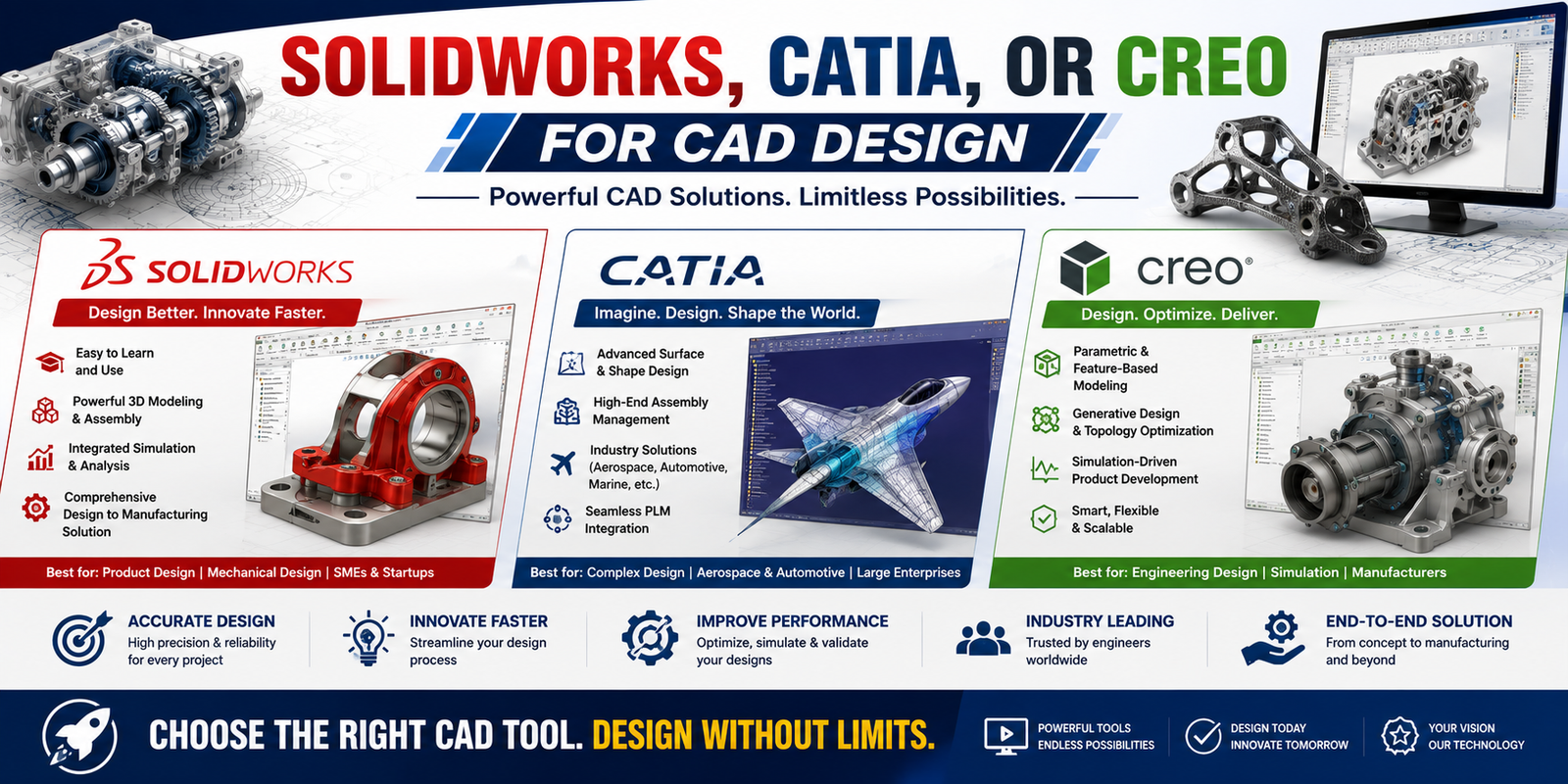
The three most dominant high-end parametric 3D CAD platforms in the engineering world are SolidWorks, CATIA, and Creo Parametric. All three are history-based parametric modelers, but they are built for entirely different industries, assembly complexities, and corporate scales.
The direct breakdown below outlines their distinct industry alignments, performance capabilities, and learning pathways.
The Core Triad Breakdown
| Software | Parent Company | Primary Industry Focus | Best Known For |
|---|---|---|---|
| SolidWorks | Dassault Systèmes | Consumer Products, Industrial Machinery, Medical Devices | Unmatched user-interface intuition, rapid prototyping, and a massive global community. |
| CATIA | Dassault Systèmes | Aerospace, Automotive, Shipbuilding | Managing massive assemblies (100,000+ parts), advanced surface modeling (Class-A surfacing), and systems engineering. |
| Creo Parametric | PTC | Consumer Electronics, Defense, Heavy Industrial Equip. | Bulletproof parametric constraints, excellent top-down assembly design, and handling sheet metal/machinery variations. |
1. SolidWorks: The Industry Standard for General Engineering
SolidWorks is the most widely taught CAD software globally. If a company manufactures consumer goods, custom automation machinery, or medical hardware, they likely use SolidWorks.
-
- Strengths: Extremely fast learning curve. The interface is intuitive, and moving from a 2D sketch to a 3D feature requires minimal clicks. It features a massive ecosystem of built-in simulation, rendering, and electrical routing add-ons.
- Weaknesses: It struggles with “Large Assembly Melt.” Once an assembly exceeds 5,000 to 10,000 parts, it demands massive hardware resources and can suffer from file stability issues.
- SolidWorks Academic Tutorials: Accessible natively inside the software via Help > Tutorials. These provide interactive, overlayed click-paths for parts, assemblies, and drawing sheets.
2. CATIA: The Aerospace & Automotive Powerhouse
CATIA is not typically used for simple brackets or small consumer items; it is an enterprise-level Product Lifecycle Management (PLM) platform. It is the undisputed standard for companies like Boeing, Airbus, BMW, and Ford.
-
- Strengths: Surface modeling capabilities are unmatched (essential for aerodynamic wings and aesthetic car body panels). It handles massive, city-sized assemblies (like an entire commercial airliner) without crashing because of its advanced data-structuring engine.
-
- Weaknesses: Extremely steep learning curve, highly rigid user interface, and prohibitively expensive licensing for small businesses or individual engineers.
-
- Best Online Training Courses:
-
- Dassault Systèmes Companion Learning Space: The official vendor learning portal. It provides structured pathways for CATIA V5 and 3DEXPERIENCE CATIA, focusing heavily on surface design and generative shape design.
-
- Best Online Training Courses:
3. Creo Parametric: The Robust Core of Heavy Industry
Formerly known as Pro/ENGINEER, Creo is renowned for its mathematical stability and rigorous parametric control. It is heavily utilized by companies like Apple, Caterpillar, and Lockheed Martin.
-
- Strengths: Exceptional “Top-Down” design capabilities, meaning you can alter a single master skeleton sketch and have hundreds of downstream sub-assemblies update automatically without breaking. Its parametric links rarely corrupt. [1]
-
- Weaknesses: The interface can feel overly clinical and less forgiving than SolidWorks. It requires strict adherence to proper modeling methodology, or features will fail to regenerate.
-
- Best Online Training Courses:
-
- PTC University: Creo Learning Paths: The official portal offering explicit training on Creo fundamentals, sheet metal design, advanced assembly extension, and GD&T integration.
-
- YouTube: Creo Parametric for Beginners (Creo Surge): High-density, free video playlists breaking down the Creo UI layout, sketch environments, and pattern/mirror operations.
-
- Best Online Training Courses: