
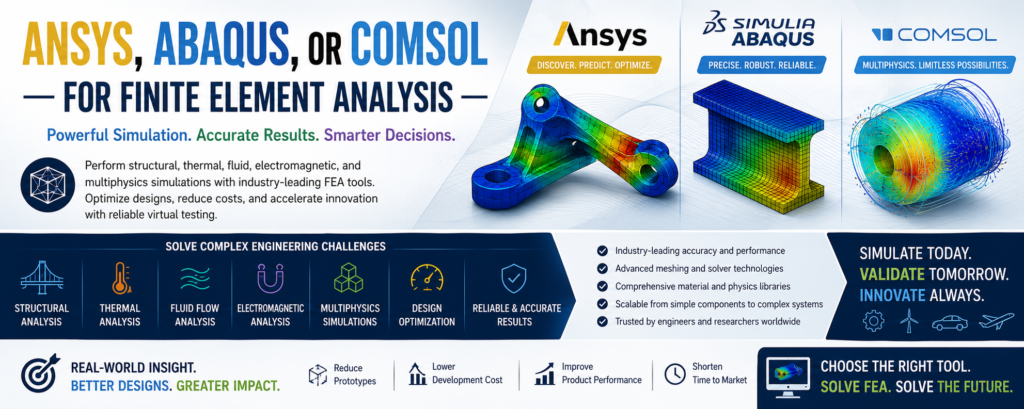
The choice between ANSYS, Abaqus, and COMSOL depends entirely on the nature of engineering or research project.
- Choose ANSYS for standardized, all-around industrial engineering workflows and broad enterprise integration.
- Choose Abaqus for complex nonlinear solid mechanics, large deformations, contact modeling, and advanced materials.
- Choose COMSOL for heavily coupled, equation-based multiphysics simulations and research.
Core Comparison At A Glance
| Metric | ANSYS Mechanical | Abaqus (SIMULIA) | COMSOL Multiphysics |
|---|---|---|---|
| Primary Strength | Broad industrial workflow, excellent meshing | Advanced nonlinear structural analysis | Native, tightly coupled multiphysics |
| UI & Workflow | Workbench (visual, node-based flowchart) | CAE (modular, step-by-step, no hand-holding) | Model Builder (highly intuitive, unified tree) |
| Customizability | APDL, Python scripting | Built-in Python scripting, user subroutines (UMAT) | Native Partial Differential Equation (PDE) editor |
| Primary Domain | Enterprise production & product development | High-fidelity automotive, aerospace, defense | Academic research, R&D labs, custom physics |
ANSYS: The Industry Standard Workhorse
ANSYS is the dominant force in general-purpose industrial engineering. Its ecosystem spans structural mechanics, high-performance fluid flow, and electromagnetics.
- The Workbench Advantage: The software utilizes an intuitive node-and-canvas layout. This links your CAD geometry directly to the mesh, physics solver, and optimization engines.
- Automation: It features massive automation capabilities, making it ideal for teams running thousands of standard design variations.
- Downside: It can sometimes abstract too many underlying mechanics. This leads beginners to accept default settings that are technically sub-optimal for their geometry. [1]
Abaqus: The King of Nonlinear Solid Mechanics
Developed under Dassault Systèmes, Abaqus excels when structures behave unpredictably under heavy loading conditions.
- Implicit & Explicit Solvers: It features two core solvers. Abaqus/Standard (implicit) efficiently resolves static and low-speed dynamic issues. Abaqus/Explicit dominates high-speed impact events like drop tests, car crashes, and material tearing.
- Material & Contact Fidelity: If your model includes hyperelastic rubber, composite delamination, complex cyclic loading, or sliding friction, Abaqus handles the mathematics more reliably than its competitors.
- Downside: The user interface is unyielding and forces you to manually define every single mathematical constraint. It possesses a famously steep learning curve.
COMSOL: The Multiphysics Innovator
COMSOL approaches simulation through a unique mathematical lens: solving coupled partial differential equations (PDEs) across a single localized domain.
- True Physics Coupling: Standard FEA software often passes results back and forth between separate physics tools. COMSOL solves them natively in the same step. It is unmatched for applications like fluid-structure interaction (FSI), microfluidics, acoustics, and electrochemistry.
- Equation-Level Freedom: If a specific material property changes on the fly based on temperature or electrical charge, you can simply type the custom governing equation directly into the graphical editor.
- Downside: It is generally considered less robust for purely mechanical structural problems featuring large assemblies, complex joints, or industrial mesh operations.
References