Learn Word with ease
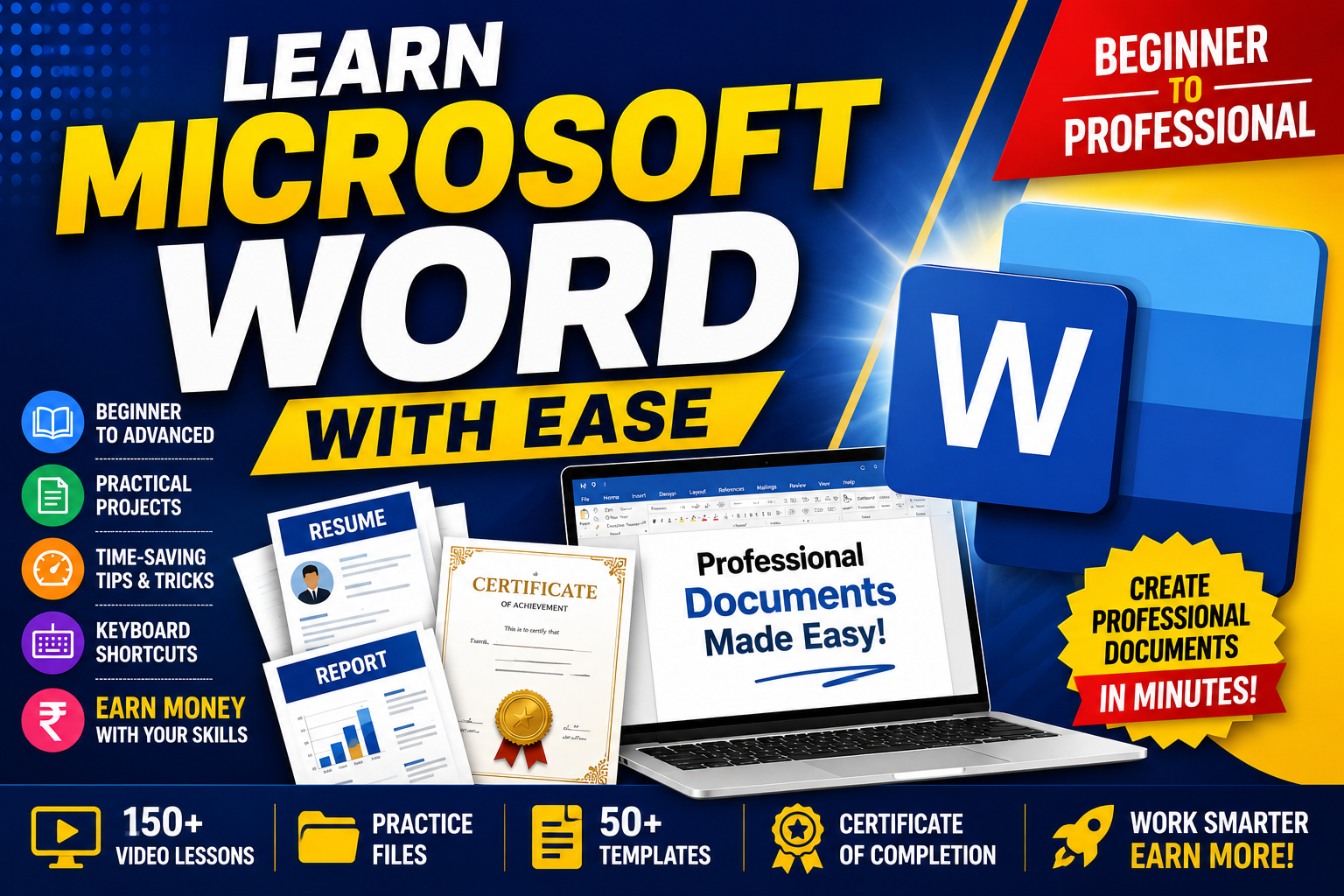
About Course
Learn Word with Ease – From Complete Beginner to Word Expert
Have you ever opened Microsoft Word and felt overwhelmed by all the buttons and features? Or maybe you know the basics but still spend hours creating documents that should take only minutes.
This course is designed to change that.
Learn Word with Ease is a practical, step-by-step program that helps you become confident with Microsoft Word—without confusing technical jargon or boring lectures. Every lesson is explained in simple language with real-world examples, making it easy for students, teachers, professionals, researchers, business owners, and freelancers to follow along.
Whether you’re preparing assignments, creating professional reports, designing resumes, writing books, preparing research papers, or managing office documents, you’ll learn the smartest and fastest ways to work with Microsoft Word.
But this course goes beyond learning software.
You’ll also discover how this valuable skill can open doors to freelancing, online jobs, document formatting services, resume writing, ebook publishing, templates, and many other income opportunities.
By the end of the course, you’ll be able to create professional-quality documents with confidence, save hours of work using advanced features, and know how to transform your Microsoft Word expertise into a practical earning skill.
What You’ll Learn
- Master Microsoft Word from beginner to advanced level.
- Create professional reports, assignments, resumes, letters, and business documents.
- Format documents like an expert using styles, themes, and templates.
- Work efficiently with tables, images, charts, SmartArt, and page layouts.
- Automate repetitive tasks using advanced Word features.
- Design attractive certificates, brochures, newsletters, and forms.
- Prepare research papers and academic documents professionally.
- Collaborate with others using review and track changes features.
- Convert Word documents into high-quality PDFs and printable files.
- Discover multiple ways to earn money using Microsoft Word skills.
Who Should Join?
- Students
- Teachers and Professors
- Office Professionals
- Researchers and Scholars
- Government Job Aspirants
- Freelancers
- Business Owners
- Content Writers
- Virtual Assistants
- Anyone who wants to improve productivity and earn online
No Prior Experience Required
Even if you’ve never used Microsoft Word before, this course starts from the very basics and gradually takes you to an advanced level with hands-on demonstrations and practical exercises.
Your Learning Journey
Instead of memorizing features, you’ll learn by doing. Each module includes practical projects, shortcuts, real-life examples, quizzes, downloadable resources, and assignments so that every concept becomes second nature.
Course Content
Module 1 – Getting Started with Microsoft Word
Module 2 – Professional Document Formatting
Module 3 – Working with Tables and Lists
Module 4 – Images, Shapes & Graphics
Module 5 – Headers, Footers & Page Numbering
Module 6 – Advanced Word Features
Module 7 – Mail Merge & Automation
Module 8 – Review & Collaboration
Module 9 – Academic & Professional Documents
Module 10 – Design Like a Professional
Module 11 – Productivity Secrets
Module 12 – Earn Money Using Microsoft Word
Student Ratings & Reviews